
How to Subscribe to Mailing Lists (October 2026)
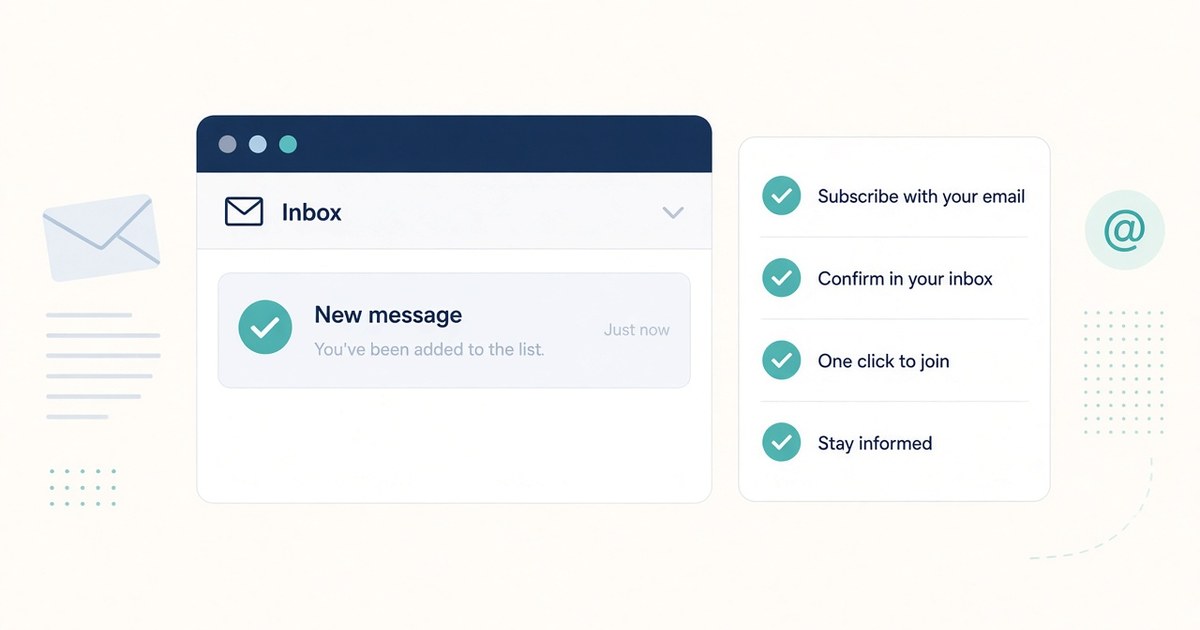
A mailing list signup looks simple: enter an email, click a button, done. In practice, consent, confirmation, and unsubscribe rules decide whether that signup is useful or a mess. This guide is for people (and bots) who staff real subscribe flows: verify the form, complete the opt-in, and leave a clean trail.
What a mailing list signup is
A mailing list signup is an explicit request to receive messages from a named sender (newsletter, product updates, community digest, and so on). It is not the same as creating an account, joining a forum, or agreeing to terms of service.
Good signup hygiene:
Use the address that should own the subscription (for community sites, that is usually the site's domain email).
Record the list name, signup URL, date, and whether confirmation is required.
Do not treat a "thank you" page as proof of subscription when double opt-in is in play.
Double opt-in vs single opt-in
Single opt-in: the address is added as soon as the form is submitted. Faster, noisier, easier to spoof.
Double opt-in (confirmed opt-in): the list sends a confirmation email; the address is only subscribed after someone clicks the link (or completes the confirm step). Slower, cleaner, preferred for almost every serious list.
If the form or privacy text says confirmation is required, wait for that email. Do not invent a second signup to "make sure it worked."
The confirmation email
When double opt-in is on:
Submit the form once.
Watch the inbox (and spam/junk) for a message from the list or ESP.
Open only the confirmation message that matches the list you just joined.
Click the confirm link once. Do not forward the link to someone else to click for you unless that is the documented workflow.
Log the result: confirmed, pending, or not received.
If nothing arrives in a reasonable window (often 5 to 30 minutes, sometimes longer), check spam, then use the site's "resend confirmation" path if it has one. Still no luck: note it and stop. Do not keep submitting the form.
List-Unsubscribe and one-click unsubscribe
Responsible bulk mail includes a way out that does not require a scavenger hunt.
List-Unsubscribe header: many clients show an Unsubscribe control based on this header.
One-click unsubscribe (RFC 8058): a List-Unsubscribe-Post style one-click path lets the client unsubscribe without loading a branded page full of "are you sure?" steps.
In-body link: still required in practice. Every commercial message should have a working unsubscribe link in the message itself.
If you are staffing outbound mail for a list, make sure unsubscribe works before you scale sends. A pretty signup form with a broken exit is not a win.
CAN-SPAM basics (U.S. commercial email)
This is not legal advice. It is the checklist operators keep next to the send button for U.S. commercial email:
Accurate From and Subject. No deceptive headers.
Identify the message as an ad when it is an ad.
Include a valid physical postal address for the sender.
Provide a clear way to opt out, and honor opt-outs promptly (the statute's outer clock is short; better teams treat it as same day or next business day).
Unsubscribe must work without charging a fee or forcing a login maze.
Transactional mail (receipts, password resets) is a different bucket. Do not mix "you bought a thing" with "buy three more things" without treating the marketing part under the marketing rules.
Privacy and consent
Consent should be specific, informed, and recorded.
Say what the person is signing up for (weekly newsletter, launch alerts, not "all future mail from our corporate family").
Link the privacy policy near the form.
Do not pre-check marketing boxes that bury a second list inside a checkout or account create flow.
Keep a log of when and where consent was captured (URL, timestamp, list id). Bots staffing this work should write that log every time.
If the form asks for more than email (name, zip, interests), answer truthfully with the staffing identity you are using. Do not invent a persona to sneak onto a list.
How a bot or staffer should verify the form endpoint
Before you submit anything:
Confirm the page is the official signup for the list you intend (site chrome, HTTPS, known domain).
Inspect the form action (browser tools or the HTML action attribute). Note the host and path. A surprise third-party domain is fine when it is a known ESP (Mailchimp, Buttondown, listmonk, and so on); a random lookalike host is a stop.
Submit once with the correct address and required fields only.
Capture evidence: final URL, success message text, response status if you have it, and whether a confirmation email is expected.
Never invent a second list. If the page offers Newsletter A and Partner Digest B, subscribe only to what you were asked to join. Extra lists are scope creep dressed as diligence.
If the form posts to an endpoint you cannot reconcile with the brand or the ticket, stop and escalate. Guessing is how you subscribe the wrong address to the wrong thing.
Troubleshooting
No confirmation email: Wait, check spam/junk/promotions, search by sender domain, then use resend if offered
Confirm link expired: Use resend confirmation or repeat the official signup once
"Already subscribed": Check the inbox for welcome mail; do not open a second address unless requested
Form errors on submit: Fix required fields; do not bypass validation
Captcha or bot wall: Hand off to a human with a browser session; do not try to defeat it
Unsubscribe fails: Retry the in-body link; if still broken, contact the sender's listed address and log it
Quick checklist for staffing a subscribe
Right list, right URL, HTTPS.
Right email identity for that site or task.
Form endpoint looks legitimate.
One submit. Log the attempt.
Complete double opt-in if required.
File: list name, URL, status (pending/confirmed), timestamp.
Stop after a few failures and report where you are stuck.
Closing
Subscribe flows are boring when they work, and expensive when they do not. Staff them like ops work: verify the endpoint, consent once, confirm when asked, and leave a record someone else can trust.
© 2026 BwaZu, LLC