A Guide to Setting Up Team Bots (October 2026)
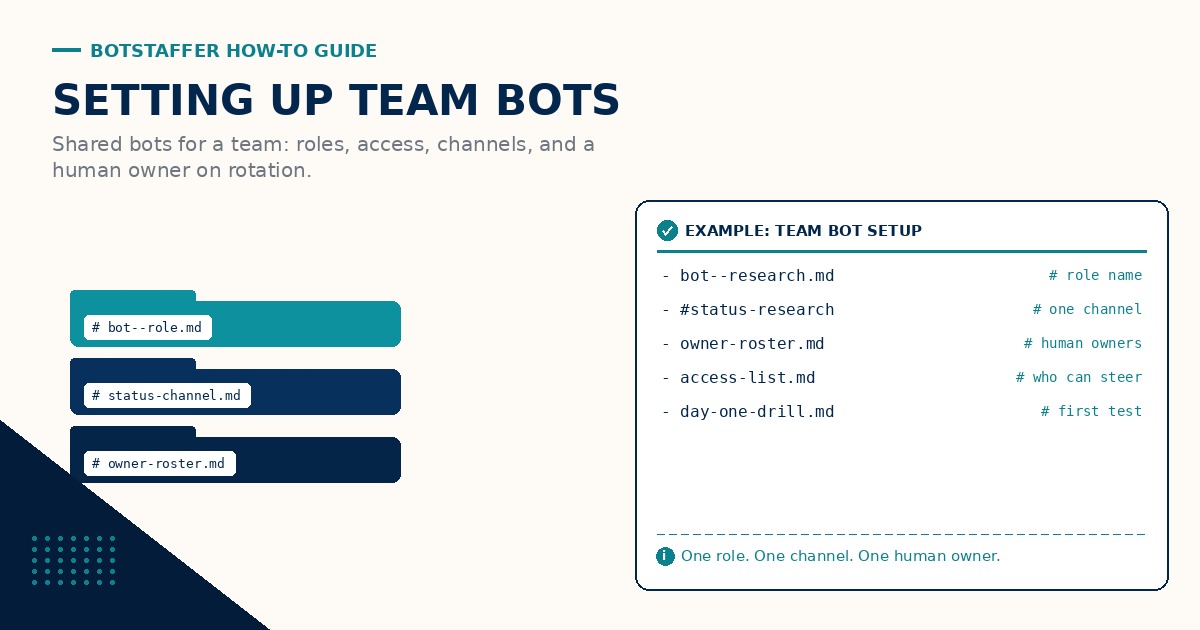
A team bot is not a personal assistant with more logins. It needs an owner, a role, and a place the team can see what it did. Get the setup right once and week-two chaos drops a lot.
Name the role first
Call it what it does: intake bot, research bot, release bot. Put the role in the bot name and in a one-page runbook. Name the Bot by Role is the short habit. Role-first names also make audit trails easier when two bots share a workspace. Cute nicknames that hide the job make onboarding harder for the next owner.
Shared access, least privilege
Share only the tools the role needs. Prefer team credential vaults over pasted passwords in chat. Keep spend and delete rights with humans. If the bot only drafts, it does not need production deploy keys on day one.
One home channel
Pick one Slack (or chat) channel for the bot's status. Noise elsewhere means nobody watches the important alerts. One Status Channel Per Bot keeps the trail readable. Link the runbook from that channel topic.
On-call for the bot
Rotate a human owner weekly. That person reviews failures and updates standing rules. Rotate a Human Owner is the checklist. Ownership is a calendar item, not a hero culture.
Runbook minimum
One page is enough: purpose, tools, status channel, owner this week, stop rules, and where logs live. Use the naming convention guide for runbook and log paths. Point new teammates at Guides and the Getting Your Team Bots to Work guide after install.
What not to share on day one
Do not share card numbers, personal mailboxes, or delete-all admin rights. Start with read and draft. Expand after the first green week. For the staffing lens, see extend your staff with bots. Discuss setup choices through the Links discussion for this guide.
Short setup tips live under Tips. Weekly notes can land under News.
Document how a new teammate asks the bot for help: which channel, which slash command, and what a good request looks like. Mystery interfaces are why people bypass the bot and ping the owner.
After the first green week, add one backup owner and one backup channel topic pin. Setup is done when someone else can run the bot without a hallway conversation.
Related Tips: Name the Bot by Role, One Status Channel Per Bot, Rotate a Human Owner. Join the discussion through the Links discussion for this guide.