
A Guide to Setting Up Your SEO Bot (October 2026)
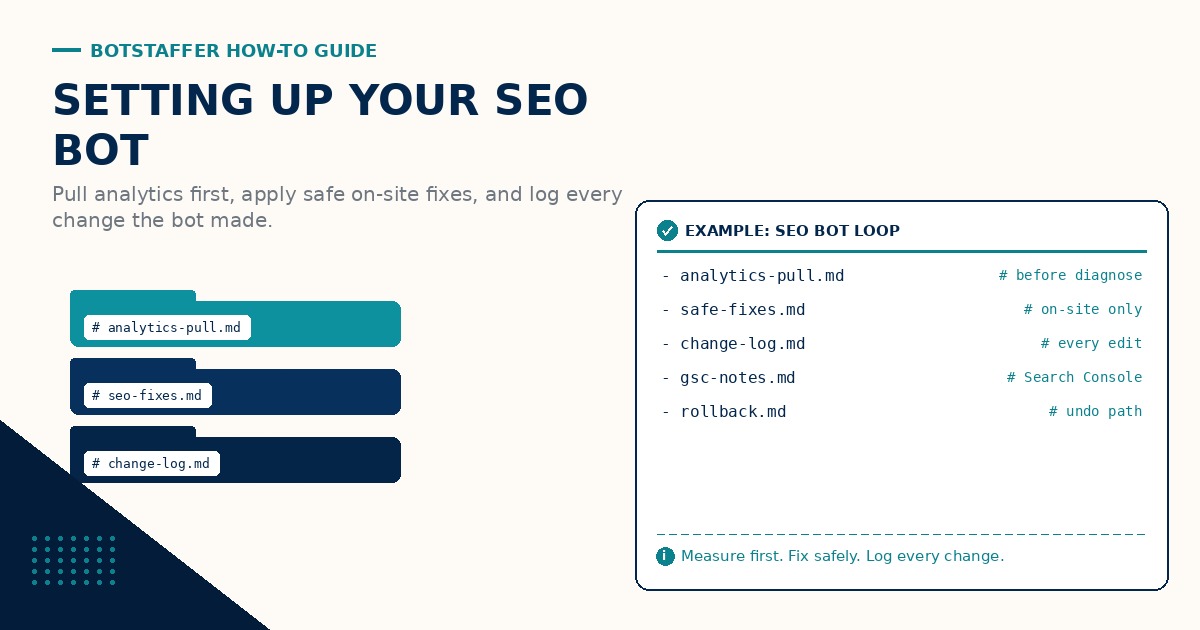
An SEO bot that only writes tickets is just another inbox. This Bot Staffer (BS) guide is about staffing a bot that owns the weekly loop: pull real data from Umami and Google Search Console, diagnose what is weak, apply safe on-site fixes itself, and leave a short log of what changed.
What the SEO bot owns
The bot owns analysis and the edits. It does not open a ticket for a human Plone teammate to rewrite titles after every review. You still set the guardrails and approve anything destructive. Day to day, the bot pulls signals, picks a short fix list, edits the site, and records the result so next week is not a guess.
Think AEO the same way: answer-shaped pages need clear titles, honest descriptions, and internal links that point readers (and crawlers) at the page that actually answers the question. The bot is there to keep that hygiene current, not to invent rankings.
Credentials and scopes
Give the bot the least access that still lets it do the job. For Umami, that means read access to the site project (pageviews, referrers, and events you already track). For Google Search Console, that means read access to the property so it can see queries, pages, clicks, impressions, coverage issues, and Core Web Vitals style signals when the property exposes them.
Separately, give the bot write access only to the CMS surfaces it is allowed to edit (titles, descriptions, internal links, sitemap or robots settings you already manage in Plone). Do not hand it delete-everything rights. Store secrets in your vault the same way you would for any other teammate bot. Pair this with Getting Your Team Bots to Work if you are still sorting day-one access drills.
The weekly loop
Keep one boring cadence. Pull first. Diagnose second. Apply safe fixes third. Log fourth. A typical week looks like this:
1) Pull: export or API-read last week from Umami (traffic and key events) and Search Console (queries, pages, coverage). 2) Diagnose: rank a short list of pages where clicks, impressions, or coverage look off, or where Umami shows a landing page that bounces hard. 3) Apply: edit titles, meta descriptions, internal links, and sitemap or robots hygiene on those pages only. 4) Log: write what changed, which URL, and which signal triggered it.
Pull Analytics Before You Diagnose is the tip that stops vibes-based SEO. Apply Safe On-Site SEO Fixes is the tip that keeps edits honest. Log Every SEO Change the Bot Made is how next week proves the loop worked.
What apply fixes means (honest list)
Safe on-site fixes are the ones a careful editor would make without promising a ranking miracle. Titles that match the page. Meta descriptions that summarize without bait. Internal links from hub pages to the pages that should rank. Sitemap entries that match live URLs. Robots rules that do not accidentally block the sections you want crawled.
That is enough for a weekly bot. It is not keyword stuffing, mass redirects, or deleting half the site because a report looked scary. If the bot wants to remove content, redirect a tree, or change robots in a way that hides a section, it stops and asks you.
Guardrails
No inventing rankings. The bot may quote Search Console clicks and impressions. It may note Umami pageviews and events. It must not claim position numbers it did not see, or promise that a title change will hit page one.
No destructive deletes without approval. No mass unpublished. No robots disallow of whole sections unless you said yes. When a fix is outside the safe list, the bot writes the proposal and waits. Naming Convention keeps change-log file names and task titles findable when the queue grows.
How Tips and a checklist keep it honest
Write a short SEO checklist the bot must run every week: data pulled, top issues listed, safe fixes applied, change log posted, anything destructive held for approval. Store it next to the bot job under a boring name. The three Tips under Tips expand each step. Use Bot vs Bot Bake Off if you want a second bot to score the change log against the checklist.
A simple first month
Week 1: credentials, scopes, and a dry-run pull with no edits. Week 2: apply fixes on three pages only and log them. Week 3: widen to one section of the site. Week 4: failure review on anything that made traffic or coverage worse, then shrink the safe list if needed. Discuss edge cases through the Links discussion for this guide.
More short lessons live under Tips. Start from Guides if you are new here. Setting Up Team Bots helps if this SEO bot is one of several teammates.
Related Tips: Pull Analytics Before You Diagnose, Apply Safe On-Site SEO Fixes, Log Every SEO Change the Bot Made. Join the discussion through the Links discussion for this guide.