
A Guide to Managing Your Bots: Human in the Loop (October 2026)
Bots are like employees. You give them a task, you come back, you check it, and you see that they did the right thing. This Bot Staffer (BS) guide is about the one habit that makes that work: staying the human in the loop. Not watching every keystroke, and not walking away either. Checking the work in batches you can actually read.
Treat the bot like a new hire
You wouldn't hand a new hire a list of 600 customers on day one and say email all of them. You'd have them write a few, read them, and tell them what to fix. Bots are the same. They are fast and they are willing, but they don't know your customers, your tone, or the thing you forgot to mention. Human in the loop means you stay in the review seat. If you are running a whole team of them, managing your bot staff covers roles and handoffs; this guide is about the review loop itself.
Work in batches: 10, then 50, then 200
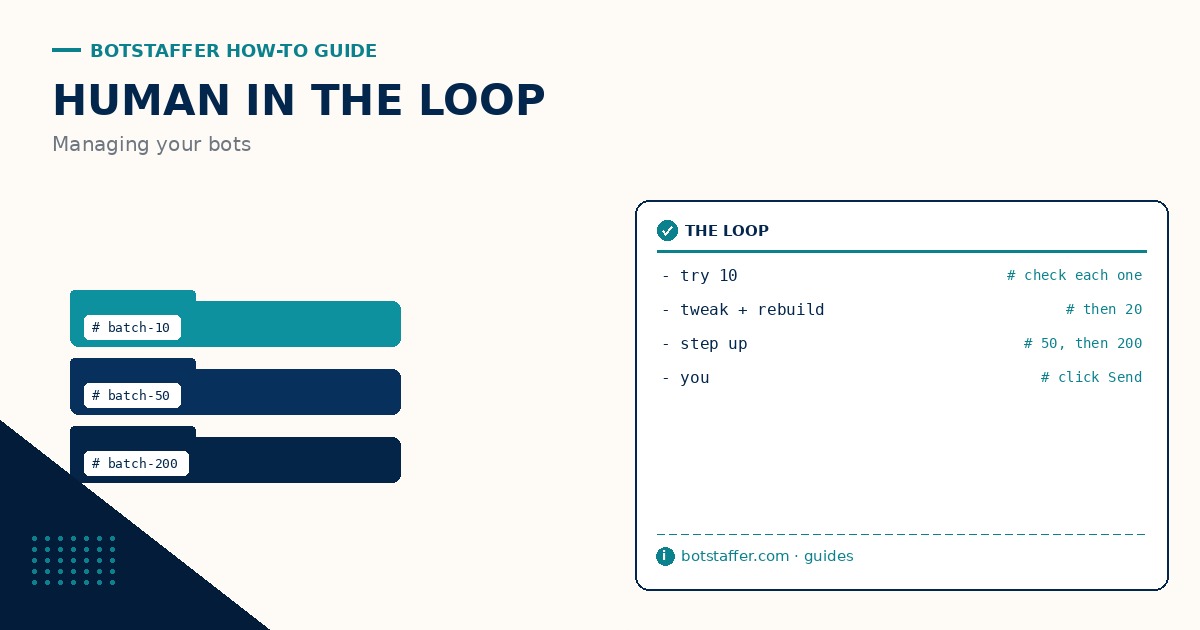
Don't say send 600 emails. Say try 10 of them. Have the bot write 10 emails and check each one. Then have it write 20 and check those. When something is off, have it rebuild them, not patch one by hand. Once 20 come back clean, go to 50, then 200. The batch grows as your trust grows, and not before. The tip on starting with a batch of ten has the short version you can paste into a prompt.
Small batches are where the bot gets useful
This part surprised me. Small batches aren't just safer, they are what make bots useful. When the bot does 10, it comes back with questions. What about this one, the address is missing? What about this customer, they already replied? You say tweak this, tweak that, and the next batch is better. A bot told to do 600 at once never stops to ask. It just guesses, 600 times.
The second run isn't the first run
Bots may do the same task differently the second time. Same prompt, same data, and the output still drifts: a different subject line, a skipped step, a new idea nobody asked for. So always check, even on a job that went fine last week. The tip on checking the second run too covers what to look for, and the guide on getting your bot to do better QA shows how to have the bot check itself before it hands work back to you.
Be the person who clicks Send
Be the one who looks at the work, and be the person who clicks Send. The bot drafts, sorts, fills in, and lines it all up. You read it and you hit the button. That one step is the difference between a bot that works for you and a bot you clean up after. The tip on being the one who clicks Send covers which jobs need that final click.
Don't set it and forget it
Even a bot running for hours needs a person checking in. Long running tasks with bots covers checkpoints and stop rules, and the same idea holds for short jobs. Come back, look, and decide what happens next. Set it and forget it is how a bot ends up doing the wrong thing very efficiently.
A simple loop to copy
1. Give the bot one clear task and a batch size of 10.
2. Read every item. Write down what to tweak.
3. Have the bot rebuild the batch with your notes, then do 20.
4. When a batch comes back clean, step up to 50, then 200.
5. Spot check every run, even the ones you trust.
6. You click Send.
That is human in the loop. It isn't slower in the end. It is how you get to 600 without having to apologize for 590 of them.