Using Your Bot to Mine Your CRM (November 2026)
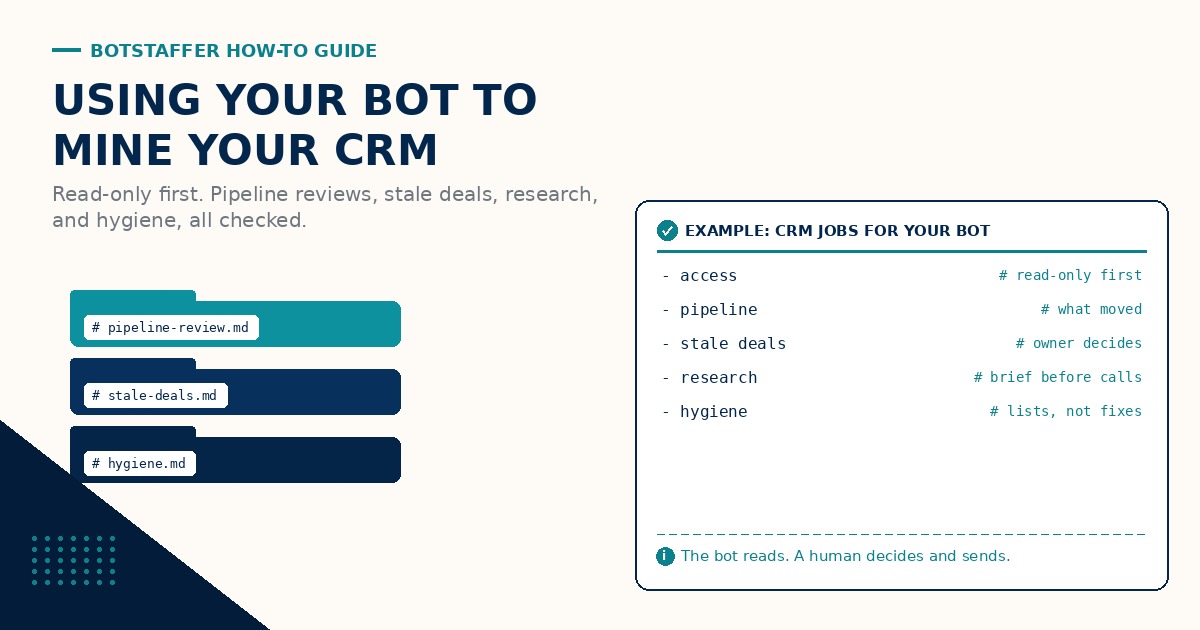
Most CRMs are full of useful information that nobody has time to read. Deals that have not moved in a month, accounts with open opportunities and no next step, contacts whose title changed two jobs ago. A bot is good at reading all of it. This BotStaffer guide is the practical how-to: what to ask a bot to mine from your CRM, how to give it access safely, and how to keep a human in charge of anything that changes a record or reaches a customer.
If you are still deciding whether your bots need a CRM at all, start with A CRM Still Matters for Bots. This guide assumes the answer is yes and the data is already there.
Start read-only
Give the bot a read-only login first. In Salesforce that usually means a dedicated integration user with read-only permissions. Most other CRMs have something similar (an API user, a viewer seat, or a scoped token). Read-only means the bot can pull records, run reports, and summarize, but it cannot edit, delete, or email anyone from the CRM. Start Your CRM Bot Read-Only is the one page version.
Scope that login to the objects the job needs. A pipeline review needs opportunities, accounts, and activity history. It does not need every field in the system. Keep the bot's user separate from yours so the audit trail shows what the bot touched, and keep the credential somewhere safe, not pasted into a chat. Write access comes later, one object and one field at a time, after the read-only work has held up for a few weeks.
Job one: the pipeline review
Before a weekly pipeline meeting, ask the bot to read every open opportunity for the team and hand back a short brief: what moved since last week (stage changes, amount changes, pushed close dates), what is set to close this month, and what has no next step. Ask for a table sorted by close date with the record link on every row.
The bot is not forecasting. It is doing the reading so the meeting can spend its time on the deals that need a decision. The bot flags. You decide.
Job two: the stale deal sweep
Write down what stale means so the bot does not guess. A common version is an open opportunity with no logged activity in a set number of days, or a close date that has already passed. Pick the number that fits your sales cycle. Run a Weekly Stale Deal Sweep has the details.
The bot lists each stale deal with the owner, the last activity, and a one line suggested next step. The owner decides whether to update it, push it, or close it. The bot does not change the stage on its own, even once it has write access, until you say that rule has changed.
Job three: account research before a call
Before a renewal or a first meeting, the bot reads the account record, open and closed opportunities, recent cases, and the last few activities, then writes a one page brief. It can add public information (the company website, recent press) as a separate step, labeled as coming from outside the CRM. Read the CRM Before Outreach is the habit underneath this one.
The brief keeps what the record says apart from what the bot found elsewhere. It never fills a gap with a guess about who someone is or what they bought.
Job four: data hygiene
The CRM Hygiene Bot role is built for this. Ask for lists, not fixes: contacts missing an owner, accounts with no industry, records that look like duplicates (with the evidence, such as the same email domain or phone), and opportunities stuck in a stage you retired. Each list comes back as a review file.
A human fixes the first lists by hand. Later, once the bot has write access, it can propose fixes and apply them one approved batch at a time. Duplicate merges and deletes stay human. When the bot logs activity of its own, Log Fields, Not Blurbs covers the field set to require, and One System of Record keeps the bot from starting a side spreadsheet.
Make it cite the record
Every claim in a bot summary should point back to a record, with a link or a record ID next to the line. "Renewal pushed a quarter" is useful. The same line with a link to the opportunity is checkable. If the bot cannot point to a record, the line comes out or gets marked unknown. Make Your Bot Cite the Record is the short version.
Citations are what make spot checks fast. Pick a few lines at random from each summary and click through. A Guide to Getting Your Bot to Do Better QA has the checklist approach for bigger jobs.
Small checked batches
When the bot starts proposing changes, keep the batches small. Start with a Batch of Ten: ten records, check every one, then twenty, then fifty. Check every run, not just the first. If a batch goes sideways, drop back to the smaller size and fix the brief. A Guide to Managing Your Bots: Human in the Loop covers the full pattern.
Anything that reaches a customer stays with a human. The bot can draft the follow up for a stale deal, with the CRM next step pasted in. A person reads it, fixes it, and sends it. Be the One Who Clicks Send.
Brief it like a teammate
A CRM job needs the same three part brief as any other ask: goal, context, done. Goal: a list of stale opportunities for the Monday meeting. Context: which report or filter to use, what stale means, which owners are in scope, and which fields to ignore. Done: a table with links, a count, and a note on anything the bot was not sure about. A Guide to Working With Your Bot has more on briefs.
A sweep across thousands of records is a long task. Ask for a short plan first and check in at milestones (after the first batch, after the first owner). A Guide to Long-Running Tasks with Bots covers keeping that kind of work on track.
Keep what it learns
The bot will learn things worth keeping: which reports the team trusts, which fields people actually fill in, and what each stage means at your company. Those belong in the bot's notes or memory, not in the CRM. Customer facts stay in the CRM. Hosted vs Self-Hosted GBrain covers one way to give your bots a shared memory, and the next guide in this series goes deeper on giving your bot a brain.
A simple first month
Week 1: read-only access and one pipeline review brief, checked line by line. Week 2: the first stale deal sweep, with owners acting on it. Week 3: account research briefs before a few calls. Week 4: the first hygiene list, fixed by a human, plus a short review of what worked and what to hand the bot next.
Where to go next
Keep the three new lessons in BotStaffer Tips next to your bot. Browse all BotStaffer Guides for the rest of the series, and share what your bot is finding in your CRM in the community discussion for this guide.