
Hosted vs Self-Hosted GBrain: Which Should Your Bots Use? (October 2026)
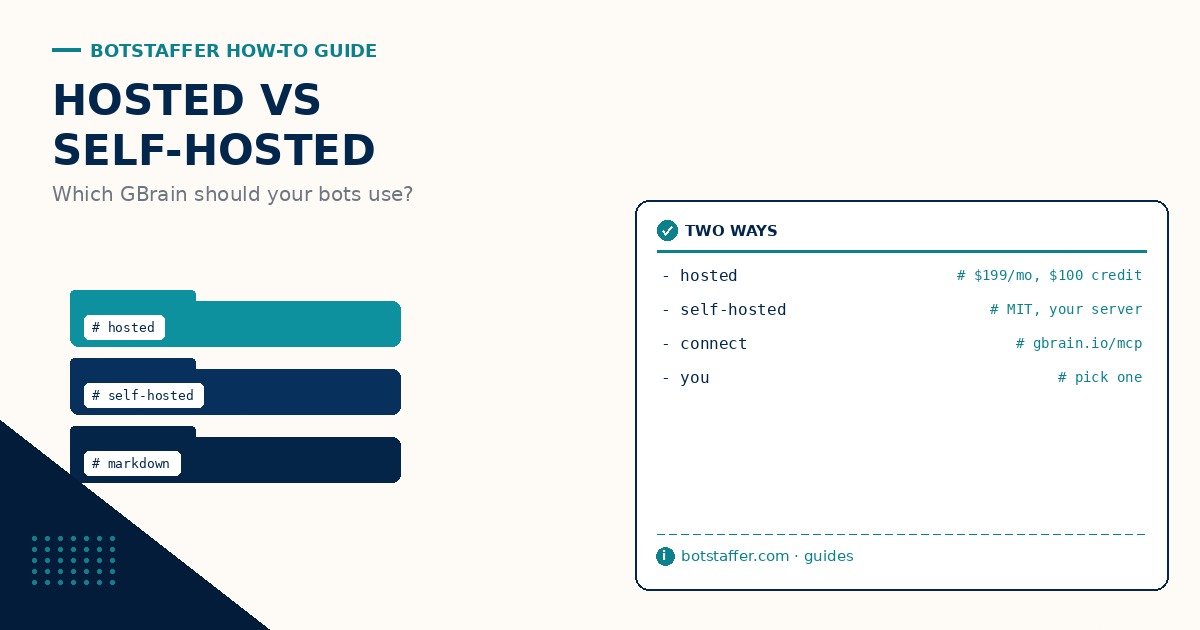
GBrain is a memory for your bots: pages of Markdown that Claude Code, Codex, ChatGPT, Cursor and your other AIs all read from and add to. It now comes two ways. Garry Tan launched a hosted version on gbrain.io, and the open-source GBrain is still free to run yourself. This Bot Staffer (BS) guide covers what each one is, how to set it up, and which one fits you.
What Hosted GBrain Is
Per the gbrain.io pricing page, a workspace is $199 a month and includes $100 of AI credit a month (more when you need it). Each workspace is its own memory, for a team, a project or a customer. Garry Tan describes hosted as Postgres with pgvector, autoscaling for you.
It also bundles app tools through GBrain Tools. You connect each account once and every app becomes a command, with no CLI to install per app and no keys in your shell. The tool list on the GBrain Cloud command line page includes Gmail, X, Perplexity, Exa, Firecrawl and fax (US and Canadian numbers).
Two more things matter if you run bots. There is an activity log (gbrainio activity ls), and access is set in the browser: signing in, paying and granting access happen there, never in the terminal, and a terminal never raises its own access.
Setting Up Hosted GBrain
The GBrain Cloud setup steps are written so you can paste them into Claude Code or Codex and let it walk you through. The short version:
1. Install the command line: curl -sSL https://gbrainio.terminalwire.sh | bash (it is a shell script for macOS and Linux, so read it first).
2. Run gbrainio terminal connect. It opens your browser, where you sign in and choose what this terminal can reach.
3. Run gbrainio workspace new. It opens the page where you pick the plan and pay. Nothing is made until a person pays there.
4. Put your notes in, one Markdown file per page: gbrainio workspace shell -- gbrain put notes/my-page < my-page.md. Check with gbrainio memory list.
5. For an AI that can't run commands, add the MCP server at https://gbrain.io/mcp and approve it with OAuth. It works with Claude Code, Codex, ChatGPT and Cursor. (If your AI can run commands, the setup steps say use the command line instead, not both.)
6. Optional: give it work on a schedule with gbrainio schedule new, for example a weekday morning brief. Each run uses the workspace's own credit.
The Self-Hosted Option
GBrain on GitHub is MIT licensed and free to self-host; gbrain.io is optional paid hosting. You run it on your own server with your own database and your own API keys. A small cloud droplet (around $12 a month) can hold a keyless brain. Note that the README says the always-on version, with 24/7 ingestion and the overnight dream cycle, wants a server with 8GB+ RAM and its own API usage, which costs more than the smallest droplets.
What you get for the work: your own dream cycle (the overnight loop that keeps the brain sharp), health checks with gbrain doctor, and your memory as Markdown files you keep. The README is honest that a Markdown export is not a full database backup, so back up the database too. If you go this way, our guide to using open source with your bots covers the habits, starting with pin your bot dependencies.
Who Should Pick Which
Not technical, or don't want to run a server? Go hosted. You pay in the browser, paste the steps into your coding bot, and you are done. It also fits team bots, since people join a workspace by email invite on the website.
Watching cost, privacy or wanting to customize it? Go self-hosted. Your data stays on your hardware and keys, and you can change anything. You also own the upkeep.
What We Don't Know Yet
gbrain.io does not spell out the limits behind $199 a month (pages, storage, schedules, or what happens past the $100 credit beyond more when you need it). We also could not find an export policy for hosted workspaces, meaning how you get all your pages and history out if you leave. Ask before you put years of notes in.
Whichever you pick, keep a human in the loop on what your bots write to it, and check in on long running tasks that lean on it.