
Using Email and Mailing Lists with Your Bot (November 2026)
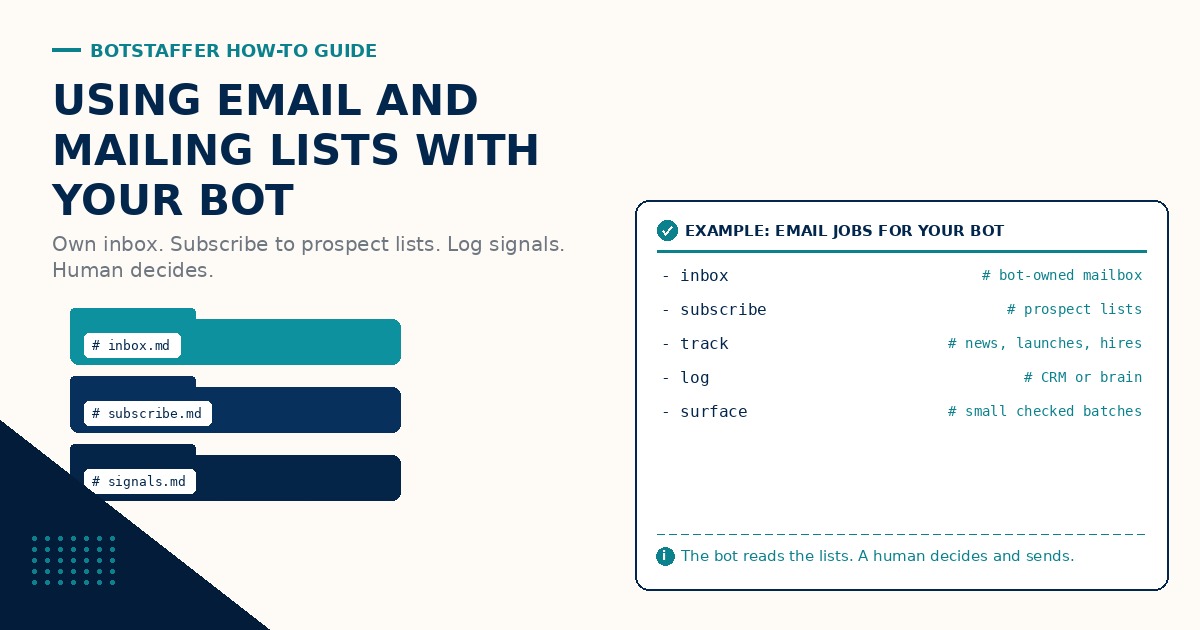
Prospects already tell you what they are doing. They send newsletters, product updates, hiring notes, and event invites. Most of that mail lands in a pile nobody reads. A bot with its own inbox can subscribe to those lists, watch what arrives, and hand you the timely bits. This BotStaffer guide is the practical how-to: email and mailing lists first, with a human who still decides whether to reach out.
How to Subscribe to Mailing Lists covers consent, double opt-in, confirmation mail, and List-Unsubscribe. Read that before you let a bot click Subscribe on anyone's form. This guide assumes those basics and focuses on staffing the inbox and the review loop.
Give the bot its own inbox
Start with a mailbox the bot owns. Not your personal address, and not a shared catch-all that mixes customer replies with list mail. Give the Bot Its Own Inbox is the short version. Use an address on a domain you control, keep the login out of chat, and set filters so each list lands in a folder you can name.
A separate inbox also makes consent clearer. When a confirmation email arrives, the bot can find it, complete double opt-in when you allow that step, and leave a record of which list was joined for which prospect. Your personal inbox stays for people who are writing to you.
Subscribe to the lists that matter
From the CRM or your prospect list, pick the newsletters and mailing lists worth watching: company blogs delivered by email, product update lists, regional digests, event lists. Ask the bot to subscribe from its mailbox, one list at a time at first, and to stop and show you the confirmation screen or email before it finishes anything unusual.
Keep a simple roster: prospect, list name, signup URL, date joined, and where confirmations land. When a list asks for more than an email address, answer truthfully with the bot's identity. Do not invent a job title or a company affiliation the bot does not have.
Track what the lists send
Once mail is flowing, the job is not to forward everything. The job is to notice signals: news, product launches, leadership hires, events, pricing changes, and other updates that change what you might say next. The Research Analyst Bot role is a close cousin for public research; here the source is the prospect's own list mail.
Websites and social feeds can fill gaps later. For this workflow, stay with the inbox. Email is where most prospect lists still publish the full update, and it is where consent and unsubscribe already live.
Log signals to the CRM or the brain
Every useful signal should become a short, fielded note. Who it is about, what changed, when the message arrived, a link to the message, and a one line suggested next step. Log Every Mailing List Signal covers the habit. Customer facts go in the CRM. Working notes the bot needs again (noisy senders, which lists are worth keeping) go in the bot's brain or memory. Hosted vs Self-Hosted GBrain is one way to keep that memory. Using Your Bot to Mine Your CRM is how you read the record before a call.
If the bot cannot point at a message or a record, the line comes out or gets marked unknown. No invented stats, no guessed hires, no pasted newsletter dump.
Surface the timely ones in small batches
Have the bot hand you a small checked batch, not a firehose. About ten timely items is a good first pass. Each item should say why it is timely, link the CRM record, and link the source mail. Surface Timely List Mail in Batches is the one page version. Start with a Batch of Ten, then grow only when the batch stays clean.
The bot may draft a short outreach note tied to the signal. A person reads it, edits it, and sends it. The bot never sends outreach on its own, and it never batch-sends. Be the One Who Clicks Send. A Guide to Managing Your Bots: Human in the Loop is the standing rule behind that click.
Brief it like a teammate
A list watching job needs the same three part brief as any other ask: goal, context, done. Goal: a morning batch of timely signals from these prospects' lists. Context: which mailbox, which roster, what counts as timely, where to log. Done: a table with links, a count, and notes on anything unclear. A Guide to Working With Your Bot has more on briefs. A Guide to Long-Running Tasks with Bots covers keeping a daily watch from drifting.
A simple first month
Week 1: stand up the bot mailbox, filters, and a short roster of lists to join. Week 2: complete subscriptions with confirmations logged, and read the first week of mail by hand with the bot. Week 3: start logging fielded signals to the CRM or brain. Week 4: take the first small batch of timely items to a human review, with optional drafts that nobody sends until a person clicks.
Where to go next
Keep the three new lessons in BotStaffer Tips next to your bot. Browse all BotStaffer Guides for the rest of the series, including How to Subscribe to Mailing Lists and A CRM Still Matters for Bots. Share what your bot is finding in prospect list mail in the community discussion for this guide.